
PWA vs. Native Apps: Difference, Pros and Cons (2026 Update)
If you have ever looked into how to publish a real app alongside your website, you have probably come across the term “PWA”. PWA stands for “Progressive Web App”. Since iOS 26 the picture for PWAs has changed considerably. What a PWA can do in 2026, what it still lacks and when you are better off going native or with Flutter: you will find out here.
 Thomas Henz
What is a PWA?
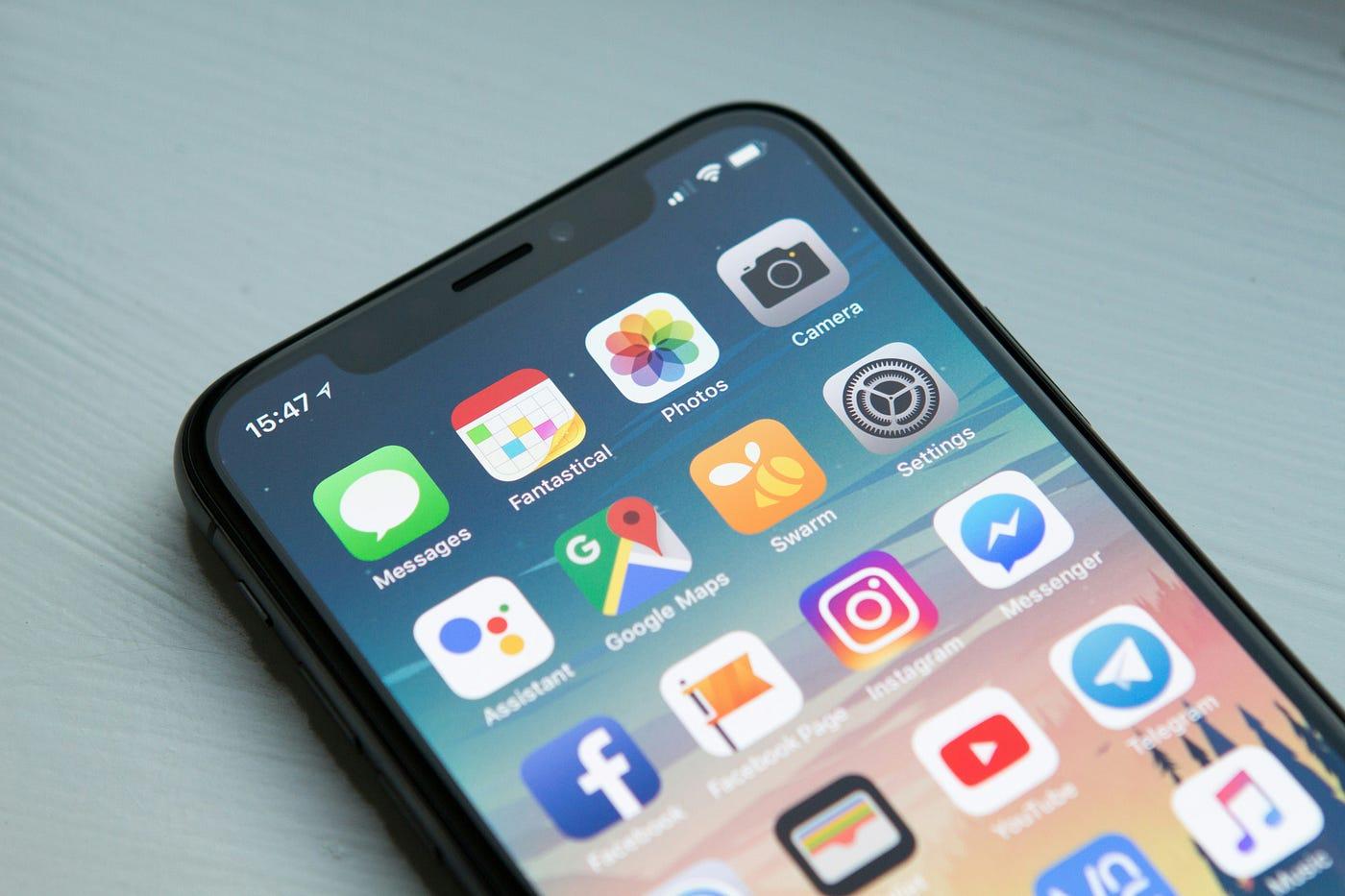
A Progressive Web App is an ordinary web application extended with capabilities that used to be reserved for native apps: an icon on the home screen, a full-screen mode without browser chrome, offline operation, push notifications and access to the camera or location. Technically, a PWA consists of three building blocks: a website served over HTTPS, a web app manifest (name, icon, colours, start URL) and a service worker, a script that runs in the background, intercepts requests, caches files and receives push messages.
The appeal is obvious. You already have a website and a team that maintains it. A PWA turns it into an installable app for Android and iOS without two separate codebases, without app store review, and with an update process as simple as deploying to your web server.
The only question is whether that is enough in practice. Since the first version of this article in 2024, the answer has shifted noticeably in one respect.
What has changed since 2024
In 2024 the strongest objection to PWAs was that Apple could pull support at any time. The concern was real. In February 2024 Apple announced that iOS 17.4 would disable Home Screen web apps in the EU in response to the Digital Markets Act. After broad protest, Apple reversed the decision on 1 March 2024; Home Screen web apps continue to work in the EU, built on WebKit.
Since then Apple has moved in the opposite direction. With iOS 26 and iPadOS 26 (autumn 2025), every website a user adds to the Home Screen opens as a web app by default, full screen and in its own window, even without a manifest. Anyone who prefers a classic bookmark can switch off “Open as Web App” when adding the site. In Apple’s own words, there are now zero requirements for “installability” in Safari. Before that came Web Push for Home Screen web apps (iOS 16.4, March 2023) and, with Safari 18.4 (March 2025), Declarative Web Push, a simplified push mechanism that works without a service worker.
That puts the 2024 worry to rest. You should no longer use “Apple might drop PWAs” as an argument against building one. What remains is a different, more sober picture: PWAs are officially supported on both platforms, but the range of capabilities still differs noticeably.
What PWAs can and cannot do in 2026
On Android the situation has been comfortable for years. Chrome shows an install prompt, PWAs can be listed in the Google Play Store via a Trusted Web Activity complete with ratings and Play Billing, and device access extends to Bluetooth and NFC. On iOS Apple has caught up, but has deliberately left some gaps open.
| Capability | Android (Chrome) | iOS/iPadOS (Safari, as of iOS 26) |
|---|---|---|
| Home screen installation | yes, with a browser install prompt | yes, via “Add to Home Screen”; no automatic prompt |
| Full screen without browser chrome | yes | yes, the default for every added site since iOS 26 |
| Offline operation and caching | yes (service worker) | yes (service worker) |
| Push notifications | yes | yes, only for Home Screen web apps, not in a browser tab; plus Declarative Web Push |
| Camera and microphone | yes | yes |
| Location (GPS) | yes | yes |
| Background sync | yes (Background Sync) | no |
| Bluetooth, NFC, USB | yes (Web Bluetooth, Web NFC) | no |
| App store listing | yes, via Trusted Web Activity in the Play Store | no |
| In-app purchases through the store | yes, Play Billing via TWA | no, web payments only |
For many applications that is more than enough: content, shops, bookings, customer portals, internal tools, forms with photo upload. It gets critical for anything that has to run in the background or talk to hardware: fitness trackers, IoT devices, payment terminals, apps that sync large amounts of data in the background. The same goes for anything that should be reachable through Apple Intelligence, Siri or widgets; those entry points exist only for native apps, as our article Is your app AI-ready? explains.
A practical tool for checking: whatpwacando.today shows which web capabilities the browser on your current device actually supports.
The remaining disadvantages of a PWA
No presence in the App Store on iOS. On the iPhone your PWA can only be reached through the website, not through App Store search. App store optimisation is off the table, and a share of users simply look for apps in the store first. On Android the Trusted Web Activity closes this gap.
Installation still needs explaining. On iOS there is no install prompt; users have to find “Share” and “Add to Home Screen” on their own. If you offer a PWA, explain the path inside the app itself.
Background and hardware. Without Background Sync, Bluetooth and NFC on iOS, whole classes of applications are ruled out.
A website does not automatically make a good app. The manifest is added in minutes, but that does not produce a mobile experience by itself. A typical example is navigation: what works in the browser with a back button becomes a dead end in full-screen mode without back buttons of its own, especially on iOS. Touch targets, load times on mobile networks, offline states and gestures have to be designed deliberately.
PWA, Flutter or native: a decision guide
The three paths are not mutually exclusive, and the order often matters more than the choice.
PWA, if your application already exists as a web app, the capabilities in the table above are sufficient and reach without a store hurdle matters more than hardware access. Typical cases: customer portals, shops, content, internal tools, MVPs to validate an idea.
Flutter (or another cross-platform framework), if you need a real app with full access to device features, store presence and native performance, but want to maintain only one codebase. Flutter delivers Android, iOS and, if you want, a web version from a single project. Our article From Lovable to the App Store describes what the jump from a web app to a real store app looks like.
Native (Swift, Kotlin), if the app reaches deep into the operating system: App Intents and Siri, widgets, wearables, background services, demanding graphics or hardware-level features.
A common and sensible path: start with the PWA, measure usage, and only invest in a Flutter or native app once the numbers justify it.
Conclusion
The PWA of 2026 is a serious option, and the argument “Apple could switch it off tomorrow” belongs to the past. For many use cases it delivers an app experience that users can barely tell from a native app, at a fraction of the cost and without store processes. Its limits today are no longer about support but about the feature set on iOS and discoverability in the App Store. So check the feature list against both platforms first, then the target group. If both fit, the PWA is the fastest route to the home screen. If they do not, the route leads via Flutter or a native app, and the PWA can still be the first step there.
Frequently asked questions
Do PWAs work on the iPhone in 2026?
Yes. Since iOS 26, every website added to the Home Screen opens as a full-screen web app by default, even without a manifest. Push notifications have been possible for Home Screen web apps since iOS 16.4. Background sync, Bluetooth, NFC and an App Store listing are still missing.
Can I publish a PWA in the app stores?
In the Google Play Store, yes, via a Trusted Web Activity, including ratings and Play Billing. In the Apple App Store, no; Apple expects real apps there. If you need both stores, you build a Flutter or native app.
What does a PWA cost compared to a native app?
A PWA uses your existing web team and one codebase for all platforms; the extra effort over a good mobile website is small. Native development for iOS and Android requires two teams or a cross-platform framework such as Flutter. How big the difference turns out to be depends mainly on how many device features you need.
Sources
- WebKit Features in Safari 26.0 (WebKit Blog, September 2025)
- News from WWDC25: WebKit in Safari 26 beta (WebKit Blog, June 2025)
- WebKit Features in Safari 18.4, including Declarative Web Push (WebKit Blog, March 2025)
- Web Push for Web Apps on iOS and iPadOS (WebKit Blog, February 2023)
- Apple reverses decision about blocking web apps on iPhones in the EU (TechCrunch, March 2024)
- Learn PWA (web.dev, Google)
- List your Progressive Web App in Google Play (ChromeOS.dev)
- What PWA Can Do Today